Is WordPress a Hosting Site
A beginner-friendly guide that explains whether WordPress is hosting, how WordPress.com and WordPress.org differ, and what kind of hosting you need to launch a WordPress website.

Many beginners hear the word “WordPress” and assume it works the same way as a hosting company. The confusion is understandable because WordPress can mean different things depending on whether you are using WordPress.com or the self-hosted WordPress software.
In this guide, you will learn whether WordPress is a hosting site, what hosting actually does, and which WordPress setup makes the most sense for your website. You will also see how this connects to the broader question of what WordPress is as a website platform.
By the end, you will know whether you need separate hosting, when WordPress.com can host your site for you, and what to check before choosing a plan.
Step 1: Understand What WordPress Actually Is
WordPress is primarily a content management system, often called a CMS. A CMS helps you create, edit, organize, and publish website content without writing every page from scratch.
The important detail is that “WordPress” can refer to two related but different things: WordPress.org and WordPress.com. WordPress.org is where you get the free open-source WordPress software, while WordPress.com is a hosted service that lets you build a site on WordPress without separately setting up a hosting account.
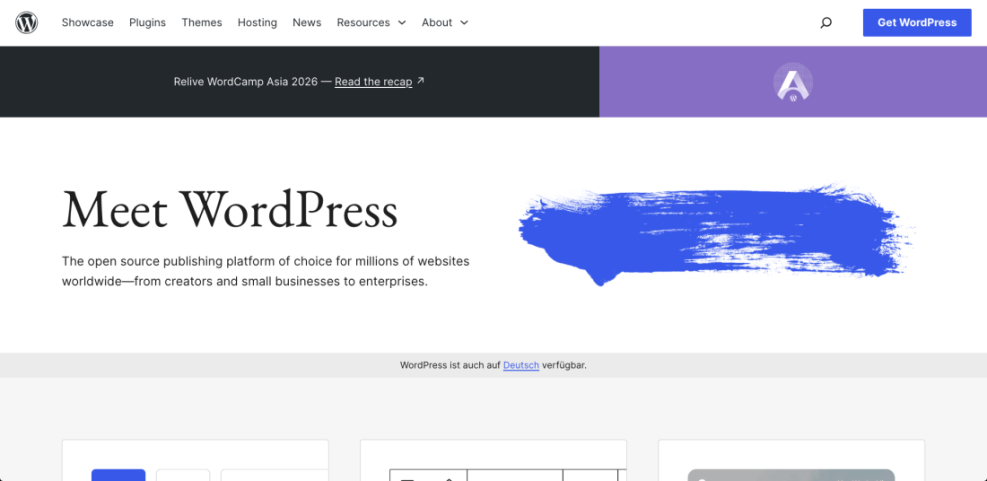
Checkpoint: You should now understand that WordPress is not just one product. It can mean either the WordPress software or a hosted website service based on WordPress.
Troubleshooting: If you are unsure which version someone is talking about, look at the website address. WordPress.org usually refers to the downloadable software, while WordPress.com refers to the hosted service.
Step 2: Learn What Website Hosting Does
Website hosting is the service that stores your website files, database, images, themes, plugins, and code on a server. When someone types your domain name into a browser, the hosting server delivers your site to that visitor.
Without hosting, your website has nowhere to live online. A domain name is the address, but hosting is the actual space and server environment that makes the website available.
For a deeper beginner explanation, read this guide to WordPress hosting explained.
- Domain: Your website address, such as example.com.
- Hosting: The server space where your website files and database live.
- WordPress: The software or platform used to build and manage the site.
- Theme: The design layer that controls your site’s appearance.
- Plugins: Add-ons that extend WordPress features.
Checkpoint: You should be able to separate WordPress from hosting. WordPress manages the website, while hosting stores and serves the website.
Troubleshooting: If your site is not loading, the issue may not be WordPress itself. It could be your hosting server, DNS settings, domain renewal, SSL certificate, caching, or a plugin conflict.
Step 3: Compare WordPress.com and WordPress.org
The biggest source of confusion comes from the difference between WordPress.com and WordPress.org. Both use WordPress, but they give you different levels of control.
WordPress.com is closer to a hosted website builder. You can create a website, choose a plan, and let WordPress.com handle hosting, updates, and much of the technical setup.
WordPress.org is the self-hosted route. You download or install the WordPress software through a hosting provider, then manage your own hosting account, plugins, themes, backups, and performance settings.
| Option | Hosting Included? | Best For |
| WordPress.com | Yes, depending on plan | Beginners who want a simpler hosted setup |
| WordPress.org | No | Users who want full control, custom plugins, and flexible hosting |
Checkpoint: You should now know that WordPress.com can act as a hosting site, but WordPress.org does not host your website for you.
Troubleshooting: If a plugin, theme, or custom code option is missing, check whether you are using WordPress.com with plan limitations. Some advanced WordPress features require a higher plan or a self-hosted WordPress.org setup.
Step 4: Decide Whether You Need Separate Hosting
You need separate hosting if you want to use the self-hosted version of WordPress from WordPress.org. This is the most flexible setup and is common for business websites, blogs, WooCommerce stores, membership sites, and agency-built websites.
You may not need separate hosting if you use WordPress.com because hosting is built into its plans. However, you should still compare plan limits, plugin access, storage, monetization options, and support before choosing it.
For a focused explanation, see this guide on whether you need hosting for WordPress.
- Choose WordPress.com if you want an easier hosted setup with fewer technical decisions.
- Choose self-hosted WordPress.org if you want more control over hosting, plugins, code, SEO settings, and monetization.
- Choose managed WordPress hosting if you want self-hosted flexibility with more server-level support.
Checkpoint: You should be able to answer the main question: WordPress.com can be a hosting site, but WordPress.org requires a separate hosting provider.
Troubleshooting: If you already bought a domain but do not have a website online, check whether you purchased only the domain. A domain registration alone does not include WordPress hosting unless your provider clearly includes it.
Step 5: Check What Your WordPress Plan Includes
Before you commit to any WordPress setup, review what is included in the plan. Hosting quality affects speed, uptime, security, backups, and how much control you have over your website.
A beginner-friendly plan should clearly explain storage, bandwidth or traffic limits, SSL, backups, support, email options, staging, caching, and whether you can install custom plugins and themes.
- Hosting included: Confirm whether the plan actually hosts your WordPress site.
- Custom domain: Check whether you can connect your own domain name.
- SSL certificate: Make sure HTTPS is included or easy to enable.
- Backups: Look for automatic backups and easy restore options.
- Plugin access: Confirm whether you can install the plugins you need.
- Renewal pricing: Review the regular price, not only the first-year discount.
Checkpoint: You should have a clear list of what your plan includes and what would cost extra.
Troubleshooting: If the plan looks cheap but does not mention backups, support, SSL, or plugin access, compare it carefully before buying. Missing features can cost more later than choosing the right plan from the start.
Now You Know Where WordPress Ends and Hosting Begins
WordPress is not always a hosting site. WordPress.com is a hosted platform that can host your website for you, while WordPress.org is free WordPress software that needs a separate hosting provider.
The right choice depends on how much control you want. Choose WordPress.com for simplicity, self-hosted WordPress.org for flexibility, or managed WordPress hosting if you want a balance of control and technical support.
Further Reading
- How to Choose the Right WordPress Hosting
- How Does WordPress Hosting Work
- Managed WordPress Hosting Guide
- How to Choose Managed WordPress Hosting
Frequently Asked Questions
Is WordPress a hosting site?
Why does WordPress say I need hosting?
Can I use WordPress without buying hosting?
Which WordPress option is best for beginners?
Is self-hosted WordPress safe?