Benefits of Managed WordPress Hosting
Save time while experts handle your WordPress server tasks

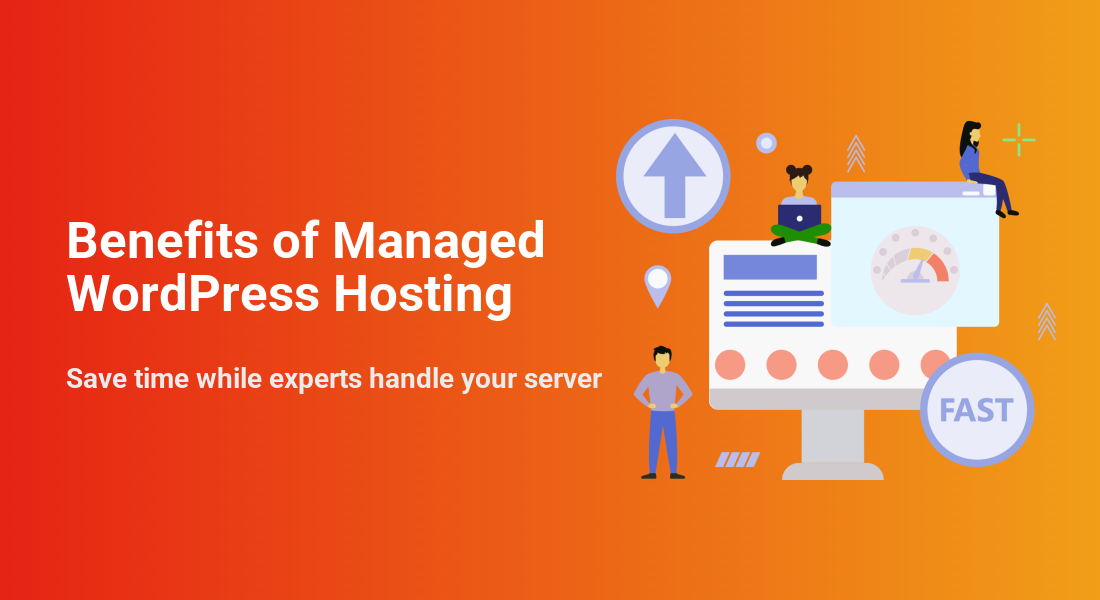
Managed WordPress Hosting can save you hours of technical work every month. Instead of worrying about updates, security, and performance tweaks, you let a specialist host handle the heavy lifting while you focus on content, sales, and clients.
By the end, you will know what managed hosting is, how it compares to shared plans, when it makes sense for your site, how to migrate safely, and which pitfalls to avoid so you get real value from your hosting budget.
Managed WordPress Hosting Explained
At a high level, managed WordPress hosting is a service where the provider runs the server, optimizes it for WordPress, and takes care of routine tasks for you. You still own your website and content, but experts watch over the platform that keeps it online.
What Managed Hosting Actually Includes
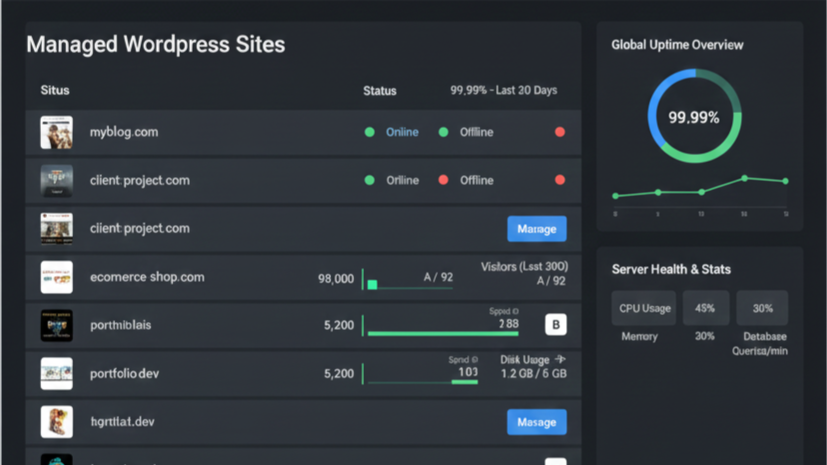
Most managed plans bundle several services that you would otherwise manage yourself. These often include automatic WordPress core updates, scheduled plugin and theme updates, daily backups, security monitoring, and performance features like built-in caching or a content delivery network.
- Automatic WordPress core, plugin, and theme updates
- Daily or on-demand backups stored off the main server
- Server-level caching tuned specifically for WordPress
- Integrated CDN options for global visitors
- Security scanning, web application firewall, and malware cleanup
- Staging environments for safe testing before going live
These features reduce the chance of a single mistake taking your site offline. They also shorten the time between spotting a problem and fixing it, because the hosting team already understands WordPress.
How Does Managed WordPress Hosting Work?
Behind the scenes, the host runs servers that are tuned only for WordPress. They maintain the operating system, web server, PHP, and database, then add tools that handle updates, backups, security, and monitoring. When you open the dashboard, you see a simple control panel instead of raw server settings.
Who Typically Uses Managed Hosting
Managed hosting often fits busy bloggers, small business owners, and freelancers who cannot babysit servers all day. Agencies and ecommerce stores also use it when uptime and speed directly affect revenue, and they need expert help on call rather than learning system administration from scratch.
Key Benefits for Everyday Site Owners
Managed WordPress hosting is not just about convenience. It can also improve speed, reliability, and security in ways that directly impact your visitors and your search rankings, especially when combined with a solid content strategy.
Faster Load Times and Better SEO
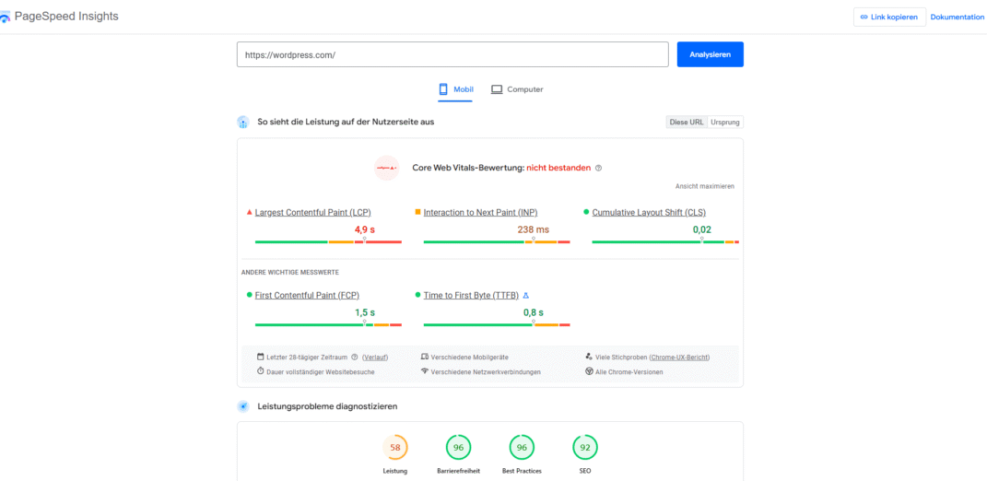
Optimized servers, built-in caching, and tuned databases typically make pages load faster than on generic shared hosting. Faster sites feel smoother for visitors, and search engines tend to reward quick pages, especially on mobile devices where every second counts.
In addition, many managed hosts integrate a content delivery network so static files load from locations closer to your visitors. Some also provide guidance based on tools like the WordPress.org optimization recommendations and modern performance best practices.
Built In Security and Backups
Managed providers usually harden their platforms against common attacks, filter bad traffic, and include SSL certificates as part of the plan. They also schedule backups automatically so a hacked plugin or accidental deletion does not mean losing your entire site.
Many platforms follow security practices similar to the WordPress hardening guidelines. You still control passwords, user roles, and plugin choices, but you get an extra layer of defense at the hosting level.
Is Managed WordPress Hosting Worth the Cost?
For many sites, the higher monthly fee pays for itself in time saved and problems avoided. When you factor in emergency fixes, lost sales from downtime, and the hours spent updating plugins or chasing performance issues, a reliable managed plan often ends up cheaper over the long term.
How Managed Hosting Differs From Shared Plans
Shared hosting and managed WordPress hosting can look similar at first glance. However, they differ in how resources are allocated, who handles maintenance, and how much WordPress expertise you can expect when something goes wrong.
Resource Limits and Performance Guarantees
On standard shared hosting, many unrelated sites share the same server with limited control over noisy neighbors. Managed platforms usually limit how many sites sit on each server and tune those servers specifically for WordPress workloads, which leads to more consistent performance.
The differences show up clearly when traffic spikes or when a plugin becomes resource-heavy. Managed platforms tend to handle bursts more gracefully or at least throttle in ways that protect uptime.
Here is a simplified comparison to highlight the typical gap in features between shared and managed WordPress hosting:
| Feature | SEO and UX, and where you will see it in daily work.”>Shared Hosting | Managed WordPress Hosting |
|---|---|---|
| Server Tuning | Generic for many apps | Optimized for WordPress only |
| Updates | Manual or basic auto updates | Fully managed update process |
| Backups | Limited or extra cost | Daily backups included |
| Security | Basic firewall | WordPress-aware firewall and scans |
| Support | General hosting support | WordPress specialists |
| Performance Tools | Little or no caching | Advanced caching and CDN options |
This table does not cover every provider, but it reflects the direction most managed hosts take compared to low-cost shared plans.
Maintenance Tasks You No Longer Handle
With shared hosting, you handle almost everything after installing WordPress. That includes updates, backups, performance optimization, and many security tasks. With managed hosting, the provider takes over a large part of this ongoing maintenance.
For example, you might follow a detailed Beginner checklist optimizing WordPress blog posts on shared hosting. On a managed plan, the platform often applies updates automatically, then rolls them back if something clearly breaks your site.
When Does Shared Hosting Still Make Sense?
Shared hosting can still work if you are testing an idea, running a tiny personal blog, or have a strict budget and very low traffic. As your site grows, or when downtime would hurt your income or reputation, managed hosting becomes easier to justify.
When Managed Hosting Is the Right Choice
Not every WordPress site needs a managed plan from day one. Therefore, it helps to look at your traffic, revenue, and technical comfort level before you decide whether to upgrade.
Signs You Have Outgrown Shared Hosting
Several warning signs suggest you may benefit from managed hosting. Frequent slowdowns, random 500 errors, and support tickets that blame “high resource usage” are common red flags. So are regular plugin conflicts and a dashboard that feels painfully slow.
Another sign appears when you spend more time fixing hosting issues than working on content or clients. When that happens, paying a bit more for a platform that simply works often feels like a relief.
Use Cases for Blogs Stores and Agencies
Content-heavy blogs need fast page loads and reliable caching so readers can move between posts easily. Online stores need stable checkout flows, strong security, and quick backups, especially during sales or seasonal campaigns.
Agencies often host multiple client sites and need staging environments, cloning tools, and predictable performance. In that case, a managed platform becomes part of their service offering and helps them deliver better results with fewer emergencies.
Budgeting for a Managed Plan
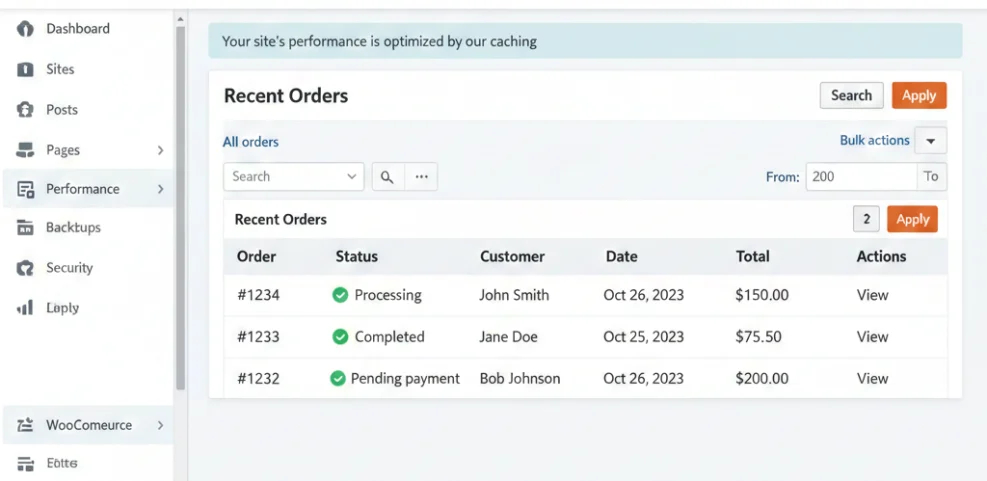
Managed WordPress hosting usually costs more than entry-level shared hosting, often starting around the price of a typical streaming subscription. However, that fee replaces many hidden costs such as ad-hoc developer work, downtime, and time spent troubleshooting.
You can also map the cost against your revenue or goals. If one extra client, project, or sale covers the monthly fee, the peace of mind often makes the upgrade an easy decision.
How To Move Your Site to Managed Hosting
Once you decide to move, the migration process matters. Good planning helps you avoid data loss, broken links, and long periods of downtime while DNS changes propagate across the internet.
Prepare Your Existing WordPress Site
Before you migrate, clean up your current installation so you do not copy problems to the new host. You should also confirm that your WordPress version and PHP settings match what the new host expects.
- Update WordPress core, plugins, and themes to current versions.
- Remove plugins, themes, and media you no longer use.
- Create a fresh full backup using your existing host or a backup plugin.
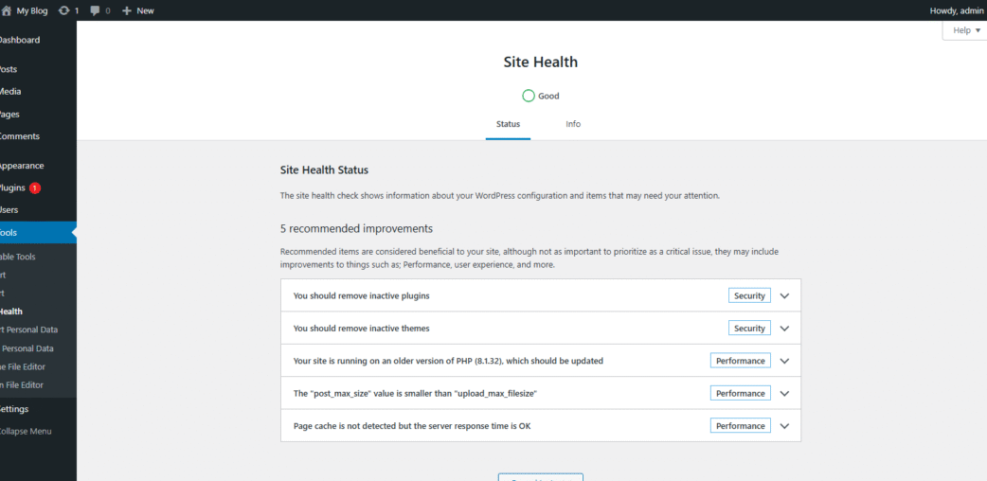
- Check the Site Health tool under Tools > Site Health and fix critical issues.
These steps reduce the risk of migrating a broken or bloated site. If you still need to Install WordPress from scratch, you can start with a clean managed environment instead.
Use a Host Migration Tool or Plugin
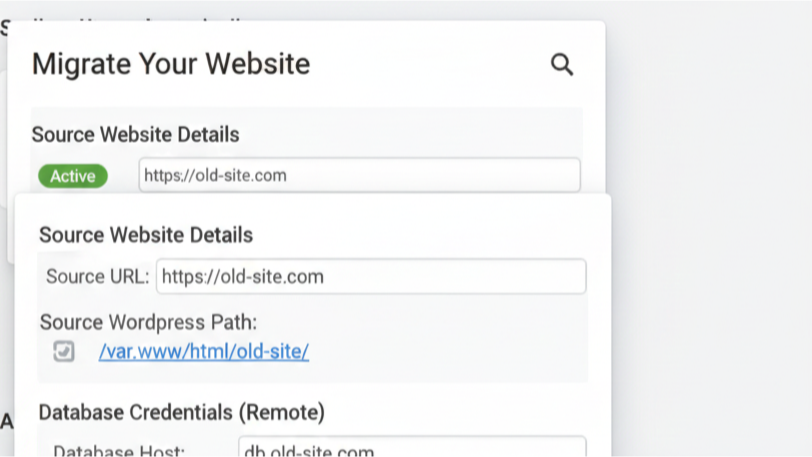
Most managed hosts provide their own migration plugin or will move the site for you. A plugin-based migration usually exports your database and files, uploads them to the new platform, and updates URLs as needed.
How Do You Avoid Downtime During Migration?
To keep downtime low, migrate your site to a temporary domain or staging environment first, then test everything. After you confirm that pages, forms, and logins work, point your domain to the new host and lower DNS time-to-live during the switch so changes spread more quickly.
Common Pitfalls and How To Avoid Them
Managed WordPress hosting solves many problems, but it does not remove every risk. Therefore, you still need to choose a plan carefully and keep an eye on how your site behaves over time.
Overpaying for Resources You Never Use
Some plans include far more visits, storage, or sites than you actually need. As a result, you may pay for capacity that sits idle while a smaller plan would perform just as well.
Ignoring Plugin and Theme Compatibility Rules
Managed hosts sometimes block certain plugins that duplicate platform features or cause performance problems. If you rely on a specific plugin, you should check the host’s disallowed list before you migrate.
This is especially true for caching, backup, and security plugins. You might move heavy tasks to built-in platform tools and keep only lightweight helpers or specialized plugins for features you truly need.
When you want more depth, you can review Beginner guide to WordPress speed optimization resources or planned WooCommerce performance tips to fine-tune specific setups.
Skipping Regular Site Health Checks
Managed hosting makes life easier, but it does not replace basic housekeeping. You still need to review error logs, check the Site Health screen, and test key user flows like checkout or lead forms.
Managed WordPress Hosting Conclusion
Managed WordPress hosting works best when you treat it as a partnership. You bring clear goals, good content, and sensible plugin choices, while your host provides a fast, secure, and well-maintained platform.
A practical next step is to list your current pain points, then compare them against what managed plans offer. After that, shortlist a few providers, test their dashboards and support with a staging site, and choose the one that gives you confidence to grow.
More WordPress Guides You Might Like
When you are ready to go deeper, these planned guides will help you refine performance, security, and workflows around your new hosting environment.
- How to install a WordPress theme
- Developer hooks for optimizing WordPress plugins with code
- WordPress migration checklist for blogs
- How to compare WordPress agencies
- Woocommerce performance tips for faster stores
As you explore these topics, you will build a hosting and optimization setup that matches your goals instead of fighting against your budget, tools, or technical limits.
Frequently Asked Questions About Managed WordPress Hosting
Is managed WordPress hosting the same as shared hosting?
Can I host multiple WordPress sites on one managed plan?
Do I still need plugins for caching and security?
Can I switch away from managed hosting later?
What happens if my traffic spikes suddenly?