How to Compare WordPress Agencies
Choose the right partner for your next website project

WordPress development agencies all promise great results, but choosing the right one can feel risky and confusing when your budget and brand are on the line. To avoid delays, surprise costs, and technical debt, it helps to compare options beyond glossy portfolios and clever sales pitches.
In this guide, you will see how to compare agency skills, processes, pricing, and support using clear criteria that match your goals. First, you get a quick answer and comparison snapshot, then you dive into agency types, workflows, and key questions to ask so you can shortlist the best partners with confidence.
Best WordPress Development Agencies at a Glance
The best agencies combine strong WordPress expertise, a clear process, and honest communication. They document scope carefully, use staging environments, follow coding standards, and plan for long-term maintenance. When you compare agencies with the same checklist, you can see who treats your site as a serious business asset instead of a quick build.
You can group most providers into a few common profiles: specialized WordPress boutiques, full-service digital studios, remote or nearshore teams, and freelancer collectives. Each profile fits different budgets, timelines, and risk levels, so understanding these profiles gives you a fair starting point when you ask for proposals.
Before you look at specific names, it helps to see how these profiles compare across core criteria like budget, complexity, and long-term support. The table below gives a compact overview so you can match your project type with the agency style that usually serves it best.
| Agency Type | Best For | Typical Budget | Key Strength |
|---|---|---|---|
| WordPress Boutique | Complex custom sites, plugins | Mid to high | Deep platform expertise |
| Full-Service Agency | Brand, design, and marketing | High | Strategy and creative |
| Remote or Nearshore Team | Feature-heavy builds, cost control | Low to mid | Capacity and speed |
| Freelancer Collective | Smaller sites or phased work | Flexible | Specialized skills on demand |
This comparison is a starting point, not a final answer. A great boutique can outperform a large studio, and a focused remote team can beat a nearby agency on both quality and communication if they run a disciplined process.
What Makes an Agency Stand Out
The strongest agencies have proven WordPress projects, reusable code patterns, and clear standards for performance and security. Their teams rely on version control, follow transparent processes, and maintain consistent deployment workflows. With habits like these visible in proposals and calls, you can trust that your site will be easier to maintain and scale.
Quick Comparison of Agency Types
WordPress boutiques shine when you need in-depth customization, while full-service studios work best if you also need branding and marketing strategy. Remote teams can be ideal for feature-heavy builds on tighter budgets, and freelancer collectives often suit phased improvements on existing websites.
Key Factors When Choosing A Partner
Once you understand the main profiles, you can compare WordPress development agencies using a repeatable checklist. This helps you avoid focusing only on price or portfolio screenshots. Instead, you weigh technical skills, process, communication, and support together so you see the real value behind each quote.
How Important Are Technical Skills
Technical skills matter because your site must be secure, fast, and easy to extend. Ask how the agency handles custom themes, child themes, and plugins, and whether they follow WordPress coding standards on official documentation. Clear explanations of trade-offs in simple terms show genuine platform knowledge.
Why Communication Style Matters
Communication style shapes the whole project experience. Regular updates, honest feedback, and clear explanations of risks make collaboration smoother. For instance, asking how often progress is reported, which tools are used, and who your main contact will be can reveal whether a team is organized or vague.
What About Pricing Models
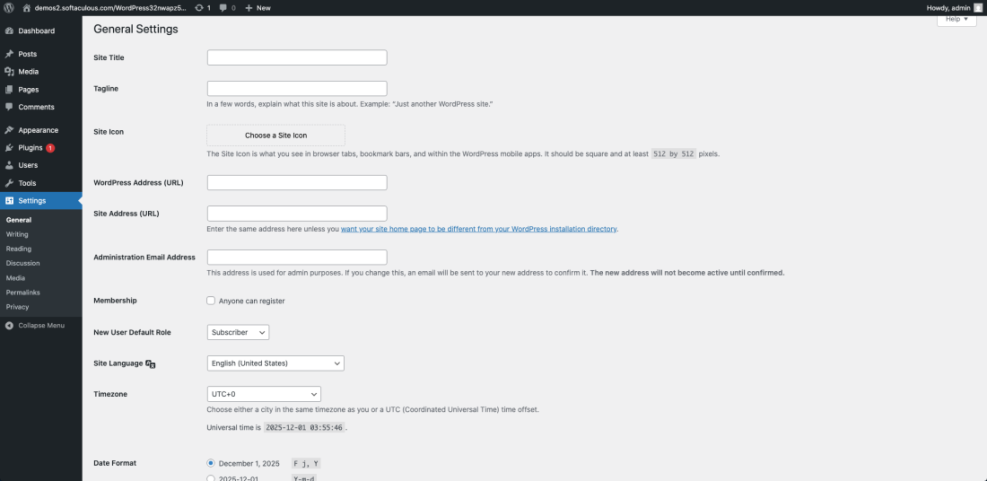
Pricing models can be fixed price, time and materials, or a hybrid. A fixed price looks safe, but it often hides strict scope limits. Time and materials can be fair if there is a strong roadmap and a cost cap. When an agency shows how estimates are created and where change orders apply, you can budget with fewer surprises.
Comparing Different Agency Profiles
Different kinds of WordPress development agencies bring different strengths and trade-offs. When you compare them against your budget, timeline, and risk tolerance, you can focus your search on the profile that fits your situation instead of trying to review every possible vendor.
Specialized WordPress Boutiques
Specialized boutiques focus almost entirely on WordPress. They usually handle custom themes, custom plugins, and complex integrations with ease. Because they work on similar builds repeatedly, potential edge cases are spotted early. However, their rates often sit in the mid- to high range due to their narrow expertise.
Full-Service Digital Studios
Full-service studios mix strategy, branding, design, and development. They often lead full rebrands that include content, photography, and marketing campaigns. If you need more than just a website, this model can create a coherent brand presence. On the other hand, their WordPress work may share resources with other platforms.
Remote and Nearshore Teams
Remote and nearshore teams can deliver strong builds at lower cost if they use clear documentation and structured communication. Coordinating across time zones may require more planning for meetings, yet well-written specs support smoother progress. With disciplined project management, these teams provide excellent results without local-agency pricing.
Workflow and Project Management Essentials
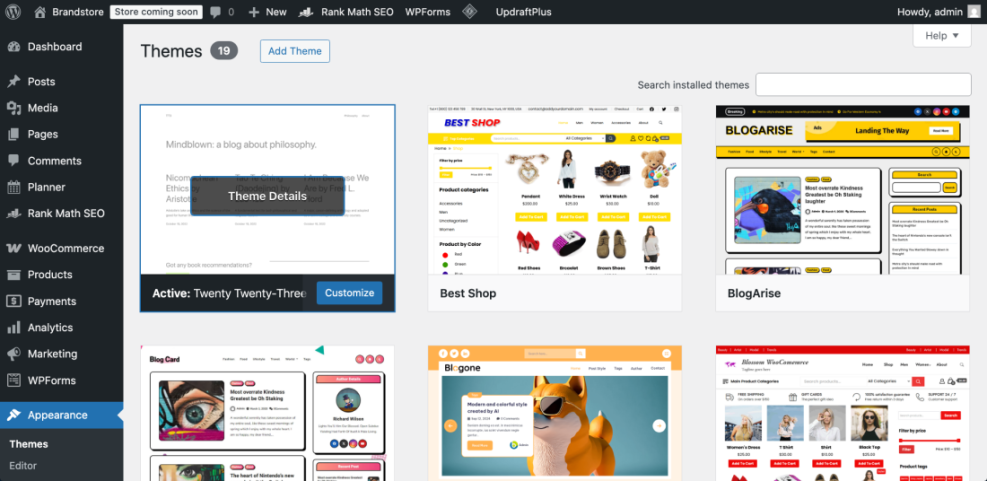
A strong workflow is what turns good intentions into a stable WordPress site. You want agencies that use discovery workshops, wireframes, staging sites, and structured testing. When you ask about their process, listen for specific steps rather than vague promises about being flexible or agile.
How Agencies Handle Discovery
Discovery should clarify goals, target audience, content, integrations, and success metrics. Many agencies run a workshop, then produce a written brief that becomes the basis for the proposal. If their discovery is rushed, missing user journeys, or light on technical details, you may see scope creep and delays later.
Development and Review Process
A predictable development process often follows clear steps that you can track and review without technical stress.
- Define milestones and prioritize features in a roadmap.
- Create wireframes and design mockups for key templates.
- Build the site on a staging environment with version control.
- Review features in batches and log change requests.
- Run performance, accessibility, and browser tests.
- Prepare a launch checklist and rollback plan.
With a process like this, you can see how your time is protected and launch risks are reduced.
Support After Launch
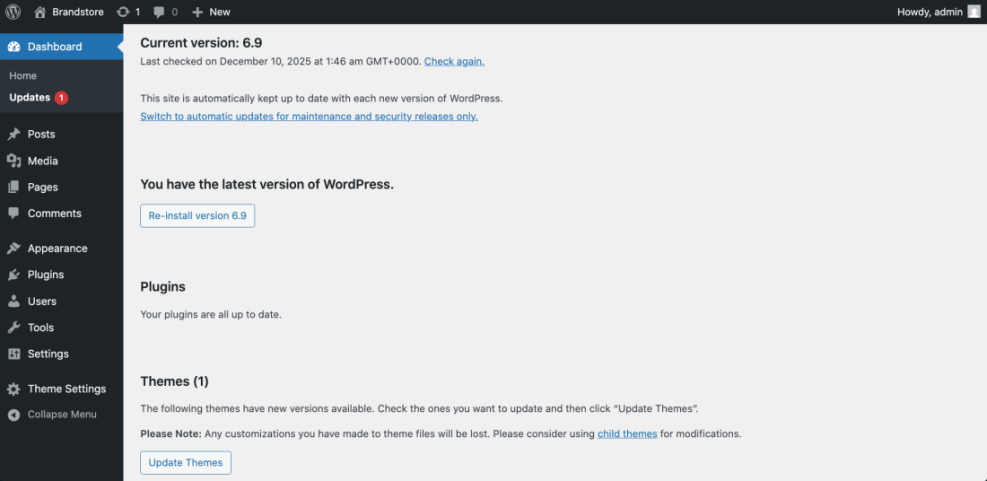
Communication matters as much as the initial build. Ask about maintenance plans, update policies, and response times. For example, you can request details on how they handle security patches and plugin updates based on guidance from WordPress.org Support. A clear support plan protects your investment.
Questions to Ask Before You Sign
Clear questions help you compare WordPress development agencies side by side. Instead of asking if they are “good,” you ask how they plan, build, test, and support your site.
Their answers reveal how they actually work under pressure and how they handle problems when things go wrong.
Must Ask Technical Questions
Start by finding out which plugins they rely on for performance, security, and SEO, and how they decide when to build custom code. You can also ask how they use the WordPress REST API for integrations. Clear, concrete answers show real experience instead of surface-level knowledge.
Budget and Scope Checks
Helpful budget questions focus on trade-offs. You might ask what would change if your budget dropped by twenty percent or what they would do with the extra budget. These questions reveal priorities. When an agency explains which features they would cut or add, you can see whether they understand your business goals.
How to Check References
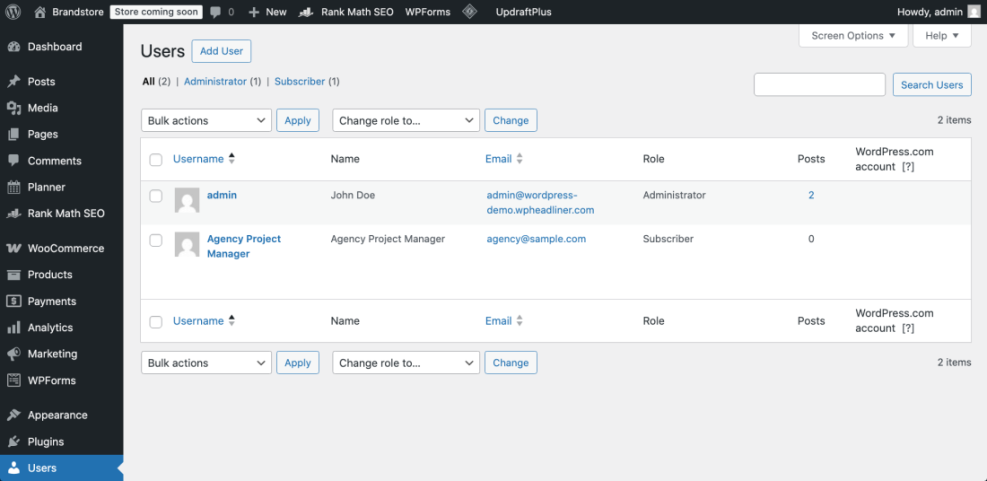
Good references talk about process, not just final visuals. Ask past clients how the agency communicated during setbacks, how they handled bugs after launch, and whether deadlines were realistic. When you hear consistent praise for transparency and problem-solving, you are more likely to experience a smooth project.
For core WordPress topics, you can also review fundamentals yourself, for example, using the official plugin directory and the theme directory. Understanding these basics makes it easier to discuss trade-offs with agencies on more equal footing.
Preparing your content, brand assets, and goals before reaching out also helps. You can use a simple brief and, if needed, follow guidance from a planned internal guide on the Brief WordPress agency so you bring clear inputs to the first call.
If you still need to set up your site, you may want to review how to install WordPress so that you understand the base environment your agency will work with.
WordPress Development Agencies Conclusion
At this point you can compare WordPress development agencies with a sharper lens. Rather than chasing generic “top ten” lists, you match agency profiles to your goals, use structured questions, and insist on a transparent process. This approach produces a shorter, stronger shortlist that respects your budget and your launch date.
Your next step is simple. Pick three to five agencies that fit your profile and send them the same clear brief and questions. Then compare their answers, not just their prices. Choosing a team that understands your users and commits to a repeatable workflow sets your WordPress site up for long-term success.
More WordPress Guides You Might Like
If you want to go even deeper before you hire, you can plan a learning path that covers hosting, security, and content workflows. The following planned guides can form a handy reading list to share with your team.
- How to Brief a WordPress Agency Effectively
- WordPress Maintenance Plans for Growing Businesses
- Measuring WordPress Performance After A Redesign
- Choosing Managed Hosting for WordPress Sites
- Content Workflows for Multi-Author WordPress Blogs
As these guides are developed, they will give you a complete toolkit for planning projects, hiring the right partners, and keeping your WordPress site healthy over the long term.
Frequently Asked Questions About WordPress Development Agencies
How much should a WordPress agency cost?
How long does a typical WordPress project take?
Should I hire locally or work with a remote agency?
Can one agency handle design, content, and development?
What should be included in an agency contract?