Best Keyword Research Tools for SEO
Find Profitable Keywords Faster With The Right SEO Tools


Best keyword research tools for SEO help you find the exact phrases your audience types into Google, so you can plan content around real demand instead of guesses. When you rely on solid keyword data, it becomes much easier to discover topics, match search intent, and create content that can actually rank.
In this guide to the best keyword research tools for SEO, we compare free and paid options, explain what each one is best at, and show you simple workflows you can plug into your content process. If you are also working on your on page setup, check out our guide to WordPress SEO plugins so your keyword research and optimization tools work together. By the end, you will know exactly which tools to start with, which ones to upgrade to later, and how to avoid paying for features you never use.
Best Keyword Research Tools for SEO: Overview
Most site owners do not need every SEO platform on the market. Instead, you only need a small stack: one main keyword research tool, a few free Google tools, and a simple way to track results. Once this basic setup is in place, you can always add more specialized helpers later.
For many people, the best keyword research tools for SEO fall into three buckets: Google’s own data sources, all in one SEO suites like Semrush or Ahrefs, and lightweight tools such as Ubersuggest or KWFinder. Together, they cover demand, difficulty, and intent without overwhelming you.
What Do Keyword Research Tools Actually Do?
A keyword research tool helps you discover the terms people search for, how often they search, and how hard those terms are to rank for. In addition, many tools show you related phrases, questions, and autocomplete suggestions. This information makes it much easier to plan content that matches what searchers want.
Types of Keyword Research Tools
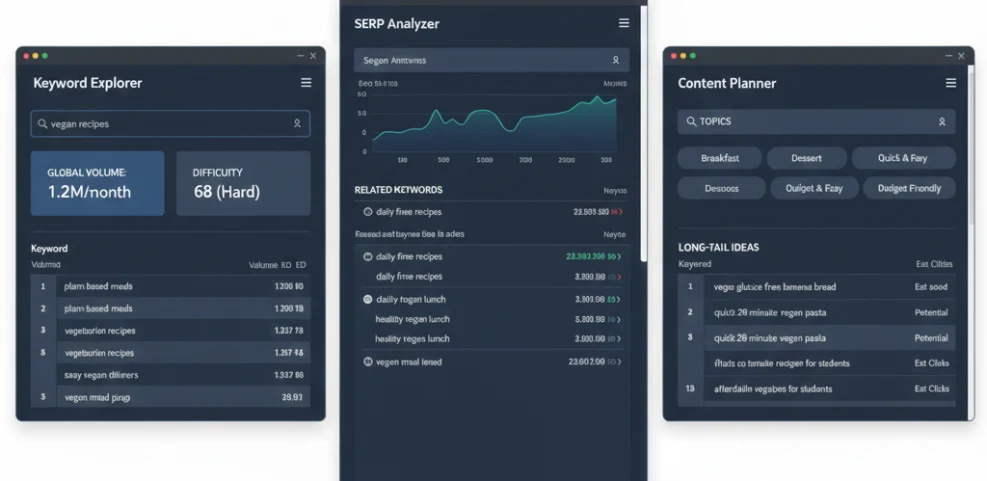
Broadly, you will encounter three types of tools. First, there are planning tools built by Google, such as Google Keyword Planner and Google Trends. Next, there are professional SEO suites like Ahrefs, Semrush, and Moz that include large keyword databases. Finally, there are niche helpers that focus on a single task, for example question scraping or long tail suggestions.
Best Free Keyword Research Tools for SEO
If you are just starting out, you can go a long way with free versions of popular keyword tools. Although they have limits, they still give you enough data to spot good topics. The key is to combine them in a simple workflow instead of using each one in isolation.
Google Search Console
Google Search Console is one of the most useful free keyword research tools for existing content. It shows the queries that already bring impressions and clicks to your site. As a result, you can quickly find pages that rank on page two or three and then improve them to win more traffic.
Google Keyword Planner
Google Keyword Planner was built for advertisers; however, it still works well for basic SEO research. It shows approximate search volumes, keyword groups, and related ideas. When you pair it with other tools that estimate difficulty, you get a clearer picture of which topics are worth targeting.
Google Trends
Google Trends helps you see whether a topic is rising or falling over time. Before you commit to a new content cluster, you can compare several ideas and check their popularity. In addition, Trends lets you spot seasonal patterns so you know when to publish or update specific posts.
Question-Based Keyword Tools
Tools like AnswerThePublic visualize common questions users ask around a keyword. Meanwhile, “People Also Ask” scrapers pull questions directly from Google’s SERP boxes. Together, they are a quick way to build FAQ sections, subheadings, and supporting posts around a main topic.
Best Paid Keyword Research Tools for SEO
Free tools are great for a start; however, serious SEO campaigns usually benefit from at least one paid suite. Picking a strong primary tool at this stage helps you move from guesswork to data driven decisions in your content strategy.
Ahrefs Keywords Explorer
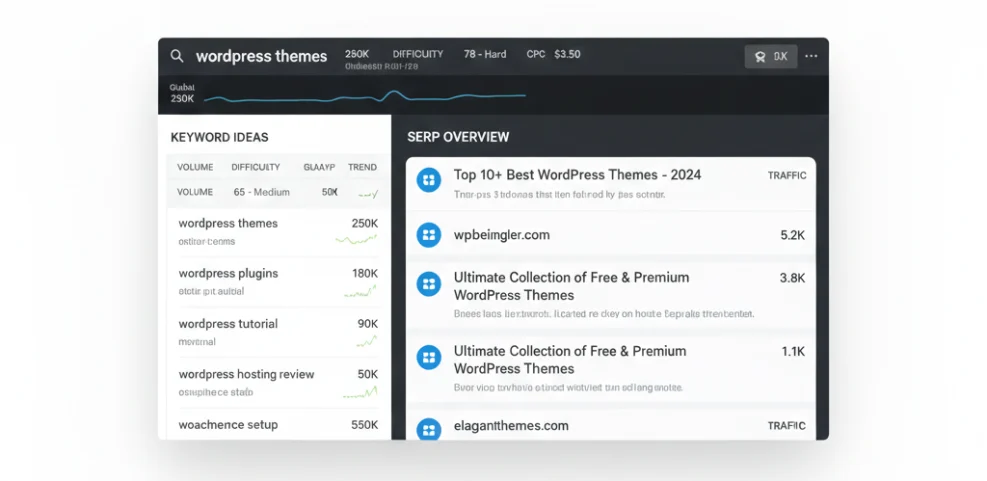
Ahrefs is widely regarded as one of the best all round SEO platforms because of its large database and strong backlink data. Keywords Explorer shows volume, difficulty, clicks, and SERP overviews in one place. Consequently, you can see not only how many people search a phrase, but also how many actually click results.
Semrush Keyword Magic Tool
Semrush offers a powerful Keyword Magic Tool designed for building keyword lists and topic clusters. It groups related terms, questions, and modifiers so you can map entire content silos around one theme. In addition, Semrush integrates this data with position tracking and site audits for a full SEO workflow.
Moz Keyword Explorer
Moz Keyword Explorer focuses on providing simpler, beginner friendly metrics such as “Priority,” which blends volume, difficulty, and opportunity. If you prefer a cleaner interface and do not need every advanced feature, Moz can be a comfortable entry into paid tools.
Budget-Friendly Alternatives
Tools like Ubersuggest, KWFinder, and SE Ranking aim to balance features with lower pricing. They often have smaller databases than Ahrefs or Semrush; however, they still offer enough ideas for most small and medium sites. If you are stepping up from free tools, these can be a practical middle ground.
Specialized Keyword Research Tools
Once you have a main keyword research tool in place, you can add smaller helpers that streamline specific tasks. These tools do not replace your core platform; instead, they plug holes or speed up repetitive work.
Browser Extensions for Fast SERP Analysis
SEO browser extensions overlay data on the Google results page. For example, some extensions show difficulty scores, search volume, and backlink metrics right beside each result. This immediate context helps you judge quickly whether a keyword is realistic for your site.
Content Optimization Tools
Content optimization tools analyze your drafts and compare them to top ranking pages. In many cases, they suggest related keywords, questions, and subtopics you may have missed. Therefore, they work best after your initial research step, when you are refining an article for on page SEO.
Keyword Research Inside WordPress
Some WordPress SEO plugins integrate directly with external tools, or they provide basic suggestions in the editor. While these features are convenient, they still cannot replace a dedicated research workflow. Instead, think of them as reminders to check your core data while you write.
Using Keyword Tools in Your Workflow
Choosing the best keyword research tools for SEO is only half the battle. You also need a repeatable process so your ideas move smoothly from research to published content. Otherwise, you end up with spreadsheets full of unused keywords.
Step 1: Build a Seed List
Begin with topics you already cover, products you sell, and problems your audience has. Then plug these seed ideas into your main tool and generate a large list of suggestions. At this stage, you should focus on volume and relevance rather than overthinking competition.
Step 2: Filter by Intent, Difficulty, and Volume
Next, use filters to remove keywords that are clearly off topic or far too competitive. Look at search intent: is the keyword informational, transactional, or navigational? In addition, consider volume and difficulty together. A low volume keyword with weak competition can be much more valuable than a glamorous head term you will never rank for.
Step 3: Group Keywords Into Topics and Clusters
Once you have a cleaned list, group similar keywords into clusters. Each cluster should represent one page or a small group of closely linked posts. This step turns scattered ideas into a structured content plan that is easier to execute.
Step 4: Map Keywords to Content
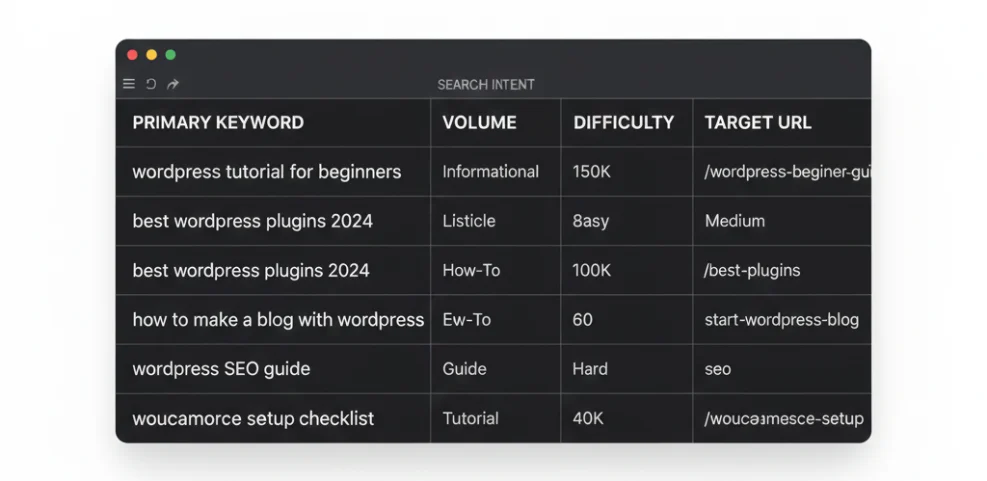
After clustering, decide which existing pages can be improved and which new pages you need to create. Assign one primary keyword and a handful of related terms to each URL. Then, use your WordPress SEO plugin to set the focus keyphrase, adjust titles, and fine tune meta descriptions.
Step 5: Track Results and Refine
Finally, connect your keyword tools with rank tracking and Google Search Console data. Review performance every few weeks, and look for pages that hover just below the top spots. Small on page updates, better internal links, or improved intent matching can push these pages higher.
Choosing Your Keyword Tool Stack
With so many options available, it is easy to feel overwhelmed. Therefore, it helps to choose a stack based on your current stage rather than on every possible feature. As your site grows, you can always swap or upgrade tools later.
For Beginners and Small Blogs
For new sites, a practical and cost effective choice is to pair Google Search Console, Google Keyword Planner, and one lightweight paid or freemium tool. This combination keeps costs low while still giving you enough data to make smarter content decisions.
For new sites, a practical and cost effective choice is to pair Google Search Console, Google Keyword Planner, and one lightweight paid or freemium tool. If you are still building your site, follow our step by step guide on how to install WordPress first so you have a solid foundation. This combination keeps costs low while still giving you enough data to make smarter content decisions.
For Growing Sites and Small Businesses
Once your traffic and revenue increase, it often makes sense to invest in a full SEO suite such as Ahrefs or Semrush. These platforms combine keyword research, backlink analysis, rank tracking, and site audits. As a result, you manage most of your SEO work in one place.
For Agencies and Large Sites
Agencies and large publishers typically rely on multiple keyword platforms. They may use one tool for backlink data, another for rank tracking, and a third for content optimization. The key is to standardize your stack across clients so your reports and processes stay consistent.
Best Keyword Research Tools for SEO: Conclusion and Next Steps
The best keyword research tools for SEO are the ones you actually use consistently. A simple stack of one core tool, a few free Google resources, and a clear workflow will usually outperform a cluttered toolbox full of unused subscriptions.
Your next step is straightforward. Choose one primary tool that fits your budget, connect it with Search Console, and run through the seed idea process described in this guide. Then, turn your best clusters into actual posts, optimize them with your WordPress SEO plugin, and review performance regularly so your research keeps turning into rankings and traffic.
FAQ About Best keyword research tools for SEO
Do I really need a paid keyword research tool?
What is the single best keyword research tool?
How often should I do keyword research?
Can I rely only on keyword difficulty scores?
How do keyword research tools connect with my WordPress SEO plugins?